
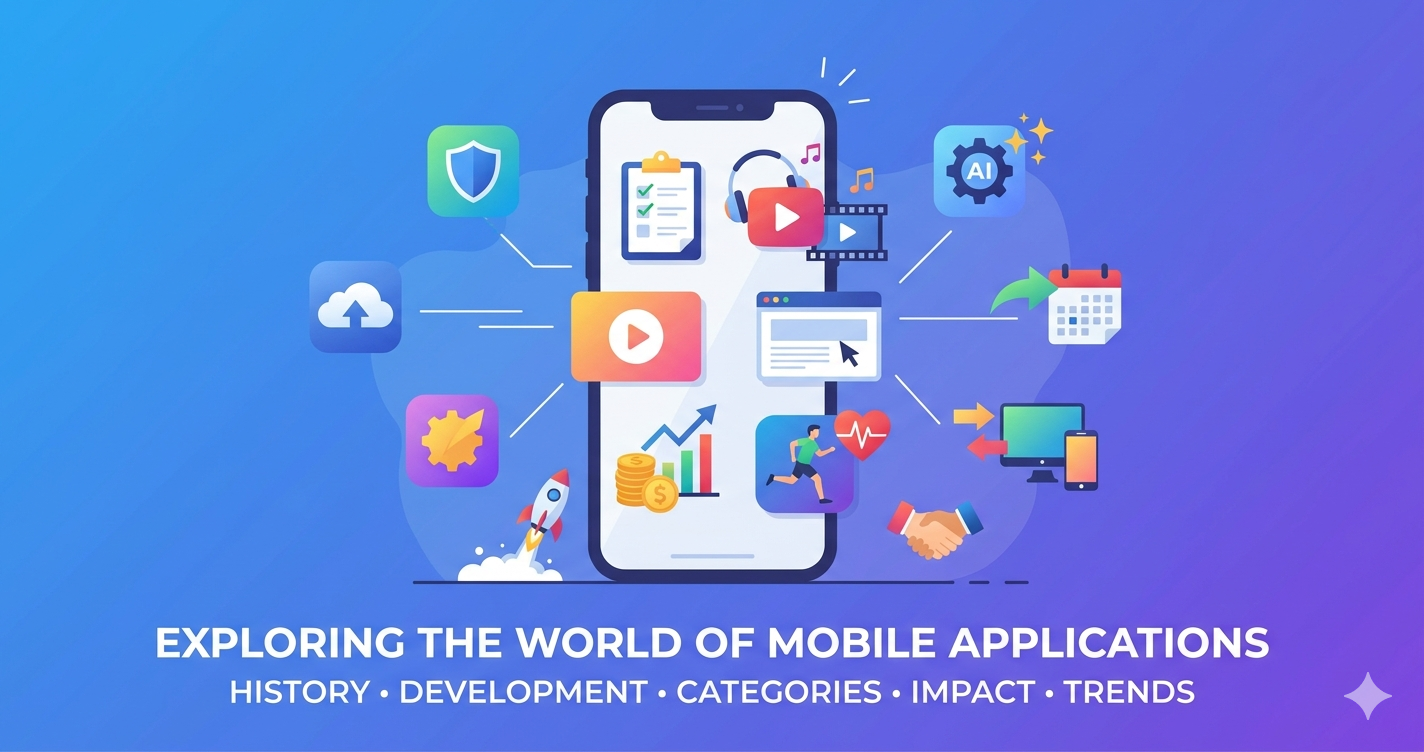
Mobile software, commonly known as mobile applications or apps, has revolutionized the way humans interact with technology. These compact programs installed on smartphones and tablets deliver specialized functions that extend far beyond basic calling and texting. From organizing daily tasks to entertaining users during commutes, mobile apps have become indispensable tools in modern life. As of the mid-2020s, billions of apps are downloaded annually across major platforms, driving innovation in user experience, business efficiency, and personal productivity.
This article explores the world of mobile software in depth, covering its history, development approaches, major categories with practical examples (focusing on widely used but not ultra-mainstream ones), key features, societal impact, and emerging trends. Lists of 10 representative apps per major category are included for deeper insight.
A Brief History and Evolution of Mobile Apps
The roots of mobile software trace back to the 1980s and 1990s with personal digital assistants (PDAs). Devices like the Psion Organiser offered basic tools such as calculators, clocks, and note-taking capabilities. Early mobile phones included simple pre-installed games, with Nokia’s Snake on the 6110 in 1997 often cited as one of the first notable mobile gaming experiences.
The true explosion occurred in the late 2000s. Apple’s 2007 iPhone and the 2008 launch of the App Store marked a pivotal shift. Google’s Android platform and its market followed, democratizing app development. Apps evolved from standalone programs to cloud-connected services. Today, mobile apps power everything from real-time collaboration to personalized recommendations, with the industry generating hundreds of billions in revenue.
Types of Mobile Software Development
Mobile apps fall into three primary technical categories: Native Apps (superior performance, platform-specific), Web Apps (browser-based, easy updates), and Hybrid Apps (cross-platform balance using frameworks like Flutter or React Native).
Major Categories of Mobile Apps
Business and Productivity Software
These apps help individuals and organizations streamline operations, manage projects, track time, and collaborate remotely. They are essential for professionals seeking efficiency.
10 Popular Business/Productivity Apps:
- Todoist – Clean task management with natural language input and productivity scoring.
- ClickUp – All-in-one workspace with tasks, docs, goals, and automations.
- Notion – Flexible notes, databases, and wikis for team knowledge bases.
- Trello – Visual Kanban boards for project visualization.
- Asana – Workflow tracking with timelines and reporting.
- Zoho Projects – End-to-end project management with time tracking.
- TickTick – Balanced to-do lists with Pomodoro timers and calendars.
- Pocket Informant – Integrated calendar, tasks, and notes.
- nTask – Simple task and project management with Gantt charts.
- WPS Office – Full document, spreadsheet, and presentation editing with cloud sync.
These tools support remote work, data-driven decisions, and reduced reliance on physical offices.
Media Players and Entertainment Apps
Media players handle audio and video playback with broad format support, subtitles, streaming, and customization.
10 Popular Media Player Apps:
- VLC for Mobile – Versatile playback of nearly any format with network streaming.
- KMPlayer – Strong mobile features, gesture controls, and subtitle support.
- MX Player – Smooth hardware acceleration and codec support (widely used alternative).
- MPV – Lightweight, highly customizable player.
- Kodi – Media center for local libraries and add-ons.
- Infuse – Elegant iOS player with library management.
- Next Player – Modern, polished Android video playback.
- GOM Player – Advanced codec handling and streaming.
- BS.Player – Efficient with background playback options.
- PotPlayer – High-performance with modern interface (mobile variants available).
These apps excel in offline playback, gesture controls, and hardware optimization.
Web Browsers for Mobile
Mobile browsers are optimized for touch interfaces, smaller screens, data efficiency, privacy, and synchronization.
10 Popular Mobile Browser Apps:
- Firefox – Strong privacy tools, extensions, and sync.
- Brave – Built-in ad/tracker blocking and rewards system.
- Opera – Data-saving mode, VPN, and sidebar multitasking.
- Vivaldi – Highly customizable with tab stacking.
- Edge – AI features and seamless cross-device integration.
- DuckDuckGo Browser – Privacy-focused with tracker protection.
- Arc Browser – Modern interface with spaces and focus modes.
- Waterfox – Privacy-oriented Firefox fork.
- Zen Browser – Clean, minimalist experience.
- Perplexity Comet – AI-enhanced browsing and summaries.
They compete on speed, battery life, privacy, and unique tools like built-in VPNs or gesture navigation.
Finance and Budgeting Apps
Secure tools for expense tracking, budgeting, invoicing, and investments with biometric security.
10 Popular Finance Apps:
- YNAB (You Need A Budget) – Zero-based budgeting methodology.
- Monarch Money – Customizable tracking and shared finances.
- PocketGuard – Bill negotiation and spending insights.
- Quicken Simplifi – Comprehensive planning and reports.
- Goodbudget – Envelope-style budgeting for households.
- EveryDollar – Simple zero-based tracking.
- Spendee – Visual budgets and multi-currency support.
- Honeydue – Focused on couples and shared expenses.
- Tiller – Spreadsheet-integrated money management.
- Wallet by BudgetBakers – Detailed expense categorization.
Health and Fitness Apps
These leverage sensors for activity tracking, personalized plans, and progress monitoring.
10 Popular Health & Fitness Apps:
- Fitbod – AI-driven workout planning and gym routines.
- Hevy – Strength training logs and progressive overload.
- Runna – Personalized running training plans.
- Nike Training Club – Free guided workouts (variety-focused).
- Strong – Barbell and progressive strength programs.
- Caliber – AI coaching and tracking.
- FitOn – On-demand classes and challenges.
- Aaptiv – Audio-guided workouts.
- Push – Daily workout companion.
- AllTrails – Hiking and outdoor activity mapping.
Other Significant Categories
Educational Apps: Language tools (e.g., Duolingo alternatives like Memrise or Busuu), e-book readers (e.g., Libby, Moon+ Reader), and skill platforms with quizzes and progress tracking.
Shopping and E-commerce Apps: AR try-on features, price comparison, and secure checkouts in niche or regional platforms.
Travel and Navigation Apps: Offline maps, itinerary planners, and real-time transport info (beyond mainstream maps).
Utility Apps: File managers, QR scanners, advanced calculators, weather tools, and translators for everyday efficiency.
News and Information Apps: Curated feeds, offline reading, and customizable notifications from specialized sources.
Gaming Apps: Casual puzzles to strategy titles with touch-optimized controls.
Key Features and Technologies Powering Modern Apps
- AI and Machine Learning: Personalization and on-device processing.
- Cloud Integration: Syncing and collaboration.
- Sensors: GPS, cameras, and biometrics.
- Security: Encryption and regular updates.
- Accessibility: Voice support and dynamic interfaces.
Societal and Business Impact
Mobile apps have democratized services, empowered small businesses, and supported financial inclusion. Challenges include privacy, discoverability, and balanced usage. The app economy supports millions of jobs worldwide.
Future Trends in Mobile Software
- AI-native experiences with conversational interfaces.
- Super apps and mini-apps.
- AR/VR integration and privacy-first design.
- 5G/edge computing and sustainable, optimized code.
- Voice and adaptive UIs for foldables and wearables.
Conclusion
Mobile software represents one of the most dynamic sectors in technology. Business and productivity tools like Todoist and ClickUp enhance efficiency, media players such as VLC and KMPlayer enrich entertainment, browsers like Firefox and Brave open digital worlds, and specialized apps in finance, health, and beyond address specific needs.
With user-centric design, security, and ethical innovation, mobile apps will continue as essential extensions of human capabilities, driving positive change across societies.

Leave a Reply